

3D configurator
Virtual rooms
View the room from above, from inside or as a plan. Move furniture and equipment, change the finishes and send us the configuration — we will prepare a quote for your space.
- 01Choose a room
- 02Arrange the equipment
- 03Request a quote for the configuration
Schools and learning centres
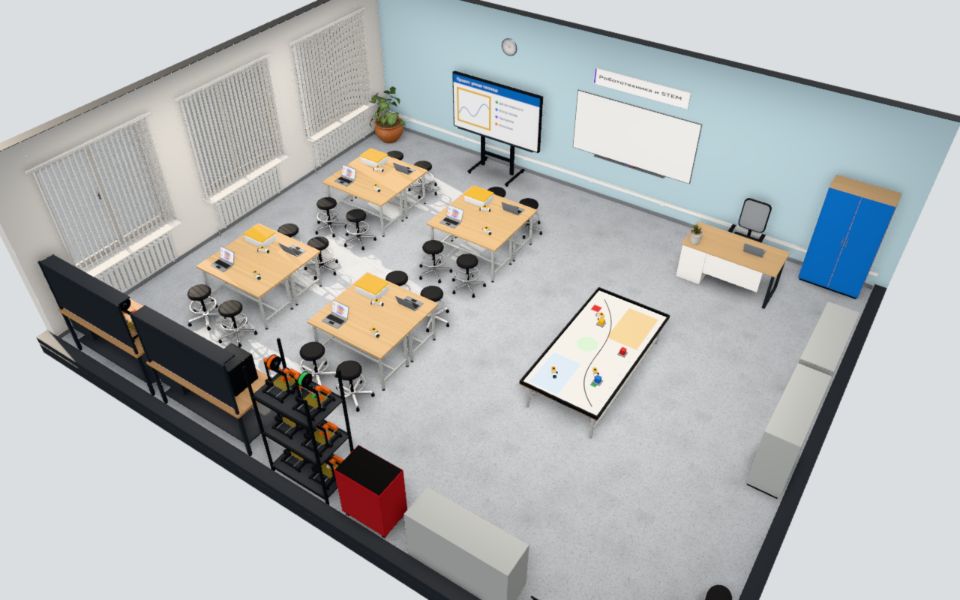 3D visualisation
Robotics and STEM
Team tables, LEGO Education sets, a competition table and a 3D printing corner
Open in 3D→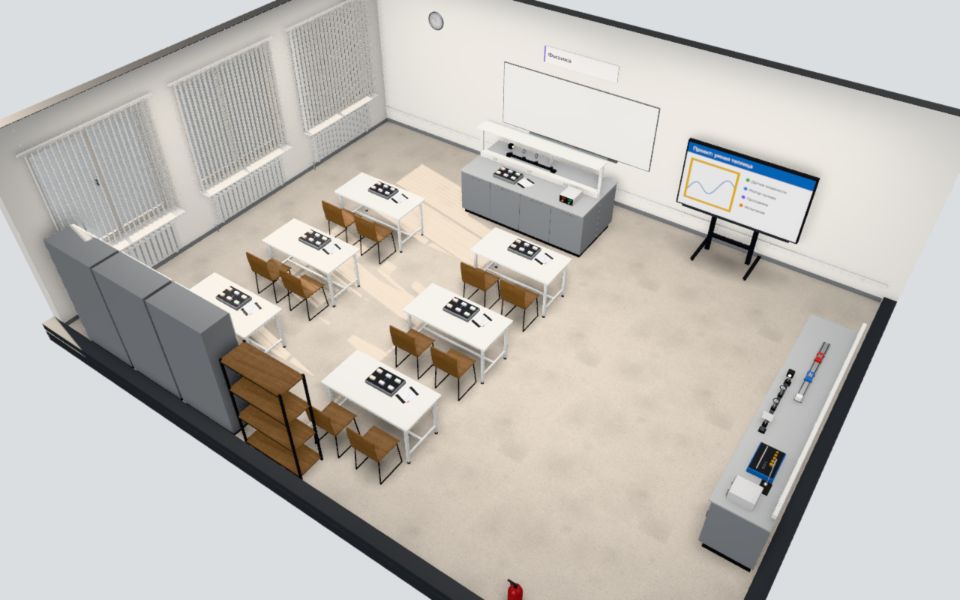 3D visualisation
Natural sciences
Physics, chemistry or biology — the equipment changes with the subject
Physics · Chemistry · BiologyOpen in 3D→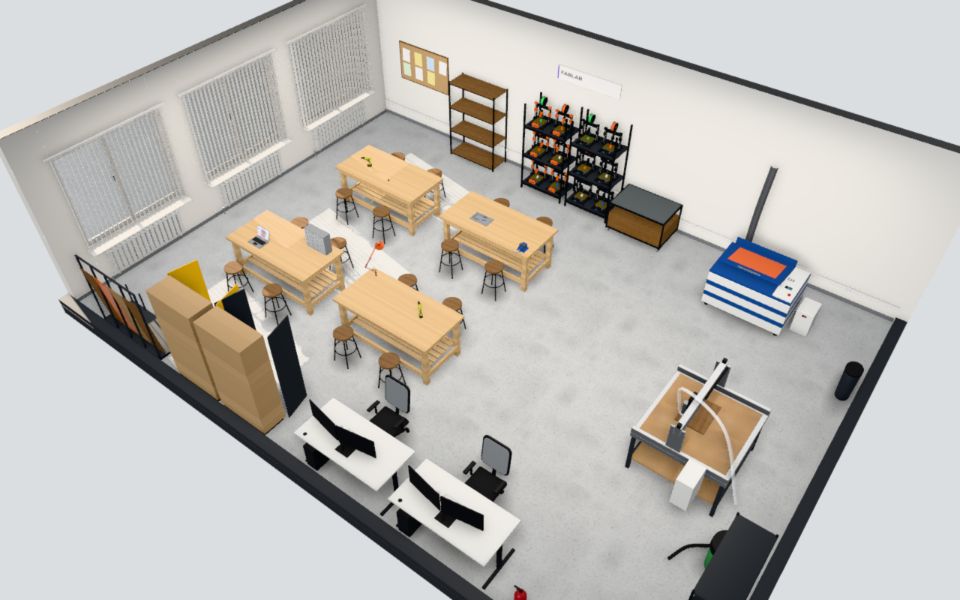 3D visualisation
FABLAB
Laser cutting, CNC routing, 3D printing and workbenches
Open in 3D→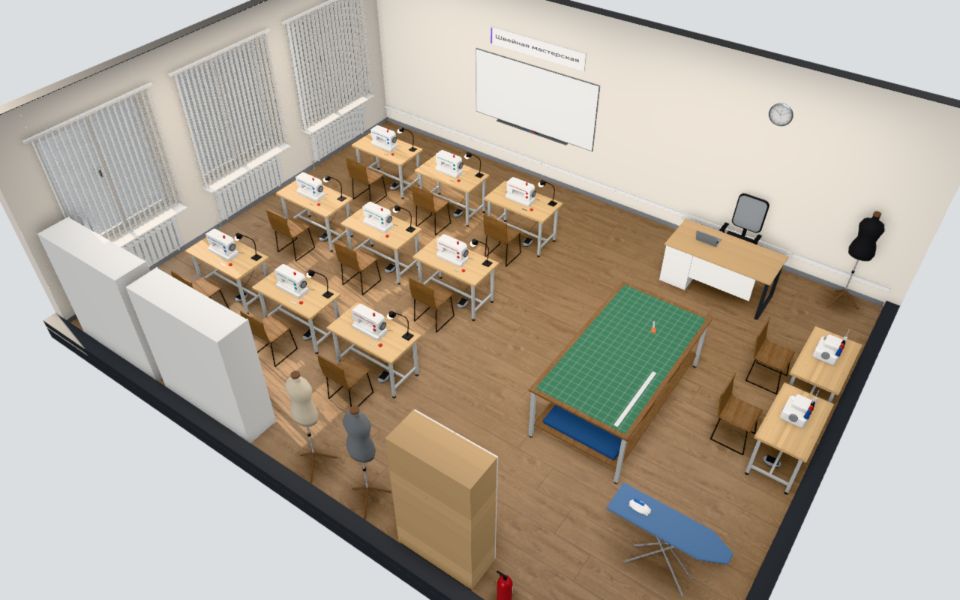 3D visualisation
Sewing workshop
Sewing machines, overlockers, a cutting table and an ironing area
Open in 3D→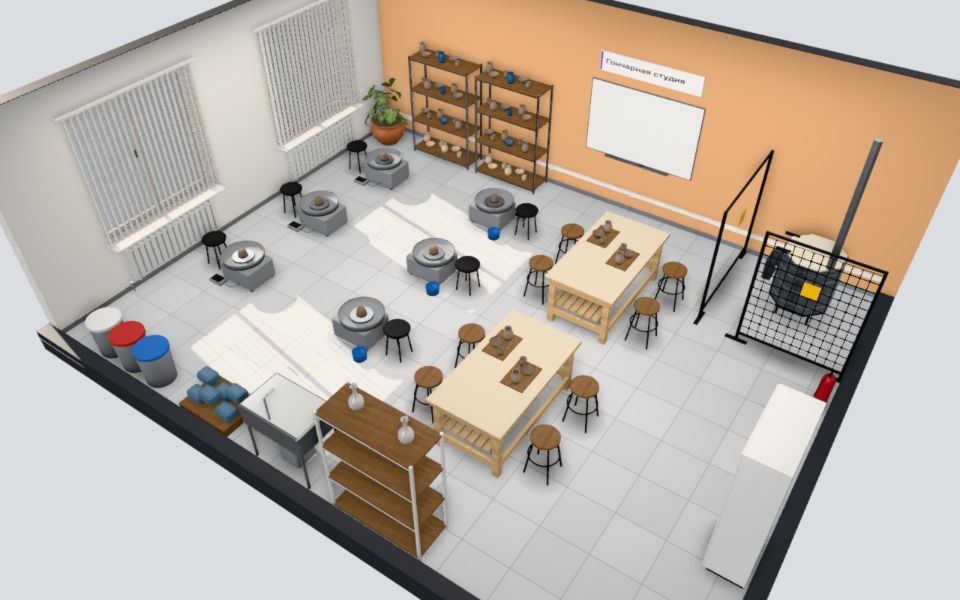 3D visualisation
Pottery studio
Pottery wheels, hand-building tables and a fenced kiln area
Open in 3D→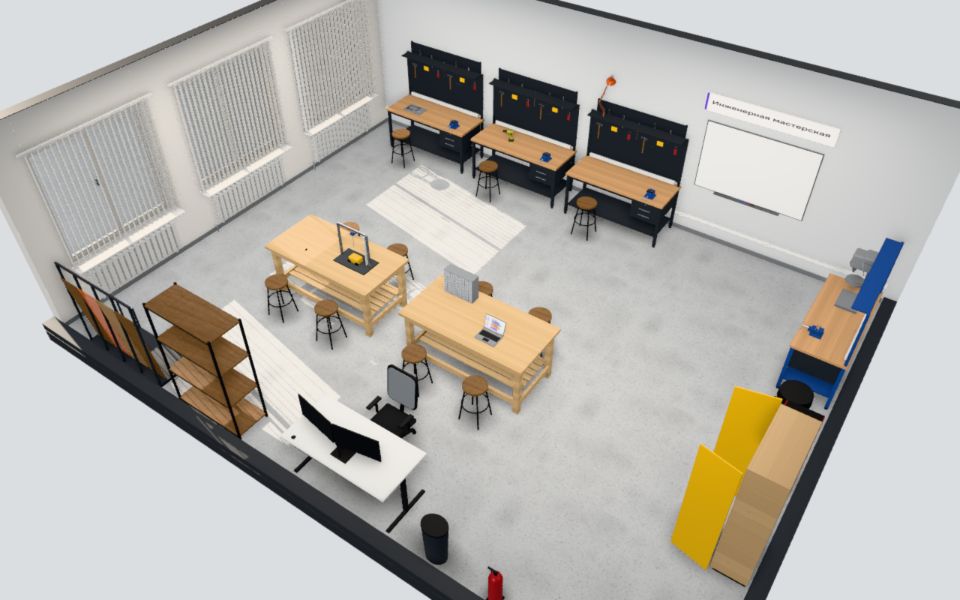 3D visualisation
Engineering workshop
Metalwork benches, a drill press, tool storage
Open in 3D→University labs
We define the laboratory set-up based on the university’s curriculum and courses.
Kerneu Lab →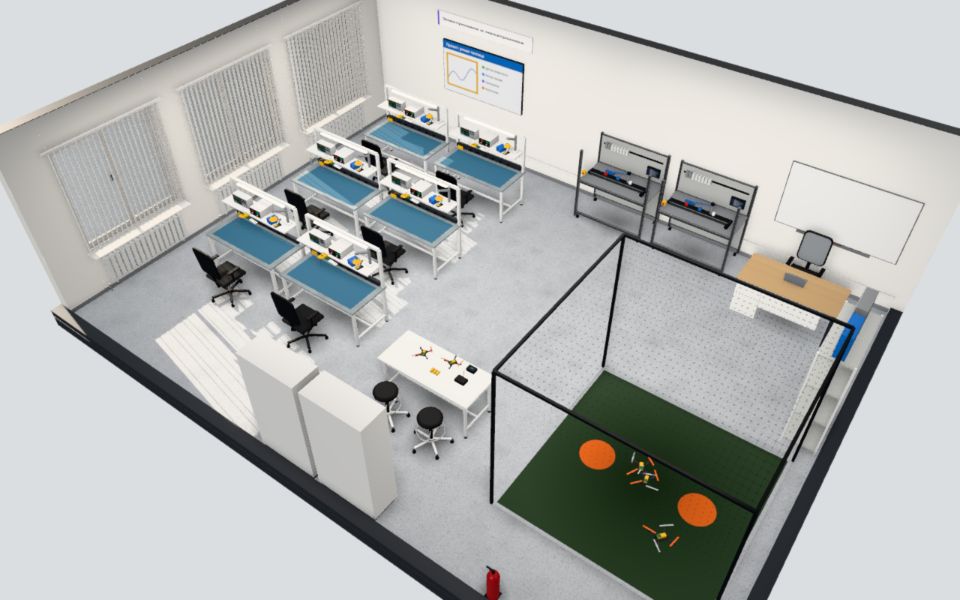 3D visualisation
Electronics and mechatronics
ESD stations with instruments, mechatronics rigs, a drone cage
Open in 3D→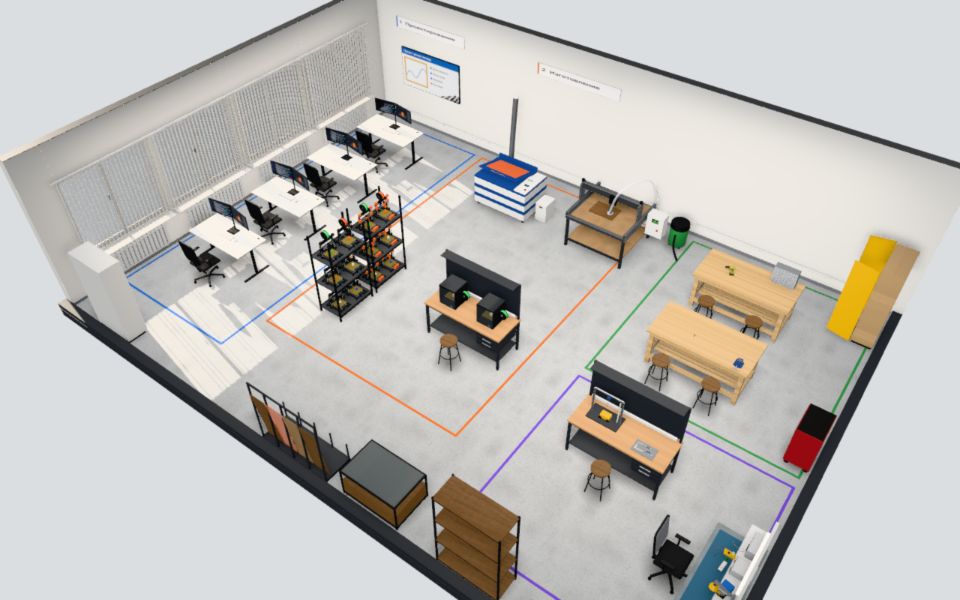 3D visualisation
Prototyping centre
Design, fabrication, assembly and testing zones
Open in 3D→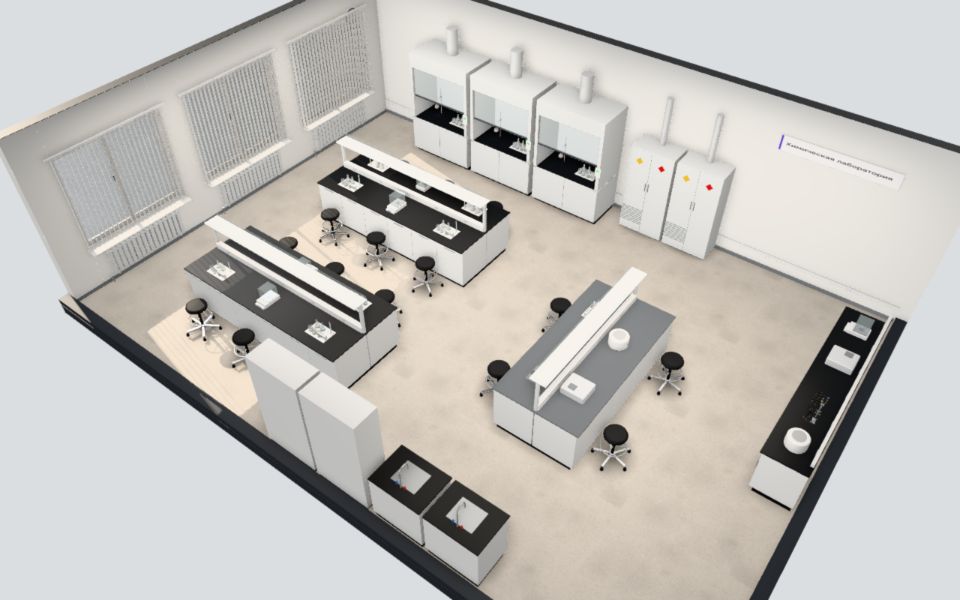 3D visualisation
Natural sciences
Chemistry, biology and physics — contents follow the university curriculum
Chemistry · Biology · PhysicsOpen in 3D→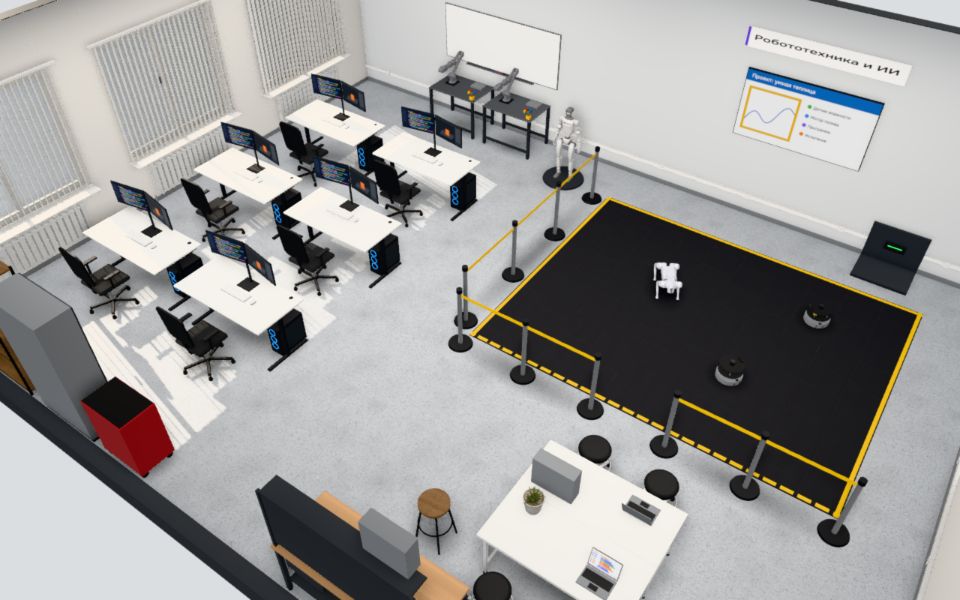 3D visualisation
Robotics and AI
Test area with Unitree Go2, a G1 humanoid, Z1 arms and AI workstations
Open in 3D→Good to know
- These are 3D models of typical rooms, not photos of completed projects. Photos of our work are in Kerneu Class and Projects.
- Some instruments are shown as approximate models: such items are marked “Approximate model” in their card.
- The configurator shows no prices: we calculate the cost for the specific room and equipment list.
- The configuration is saved only in this browser. You can export it to a file and load it again.
Let’s discuss your classroom
Tell us what kind of classroom you need, for which age group and how many students. We will prepare a commercial proposal with the equipment list and timeline.
- +7 (707) 152-10-00
- nurdaulet@kerneugroup.kz
- Instagram @kerneu_group
- Office: Almaty, Kazakhstan